


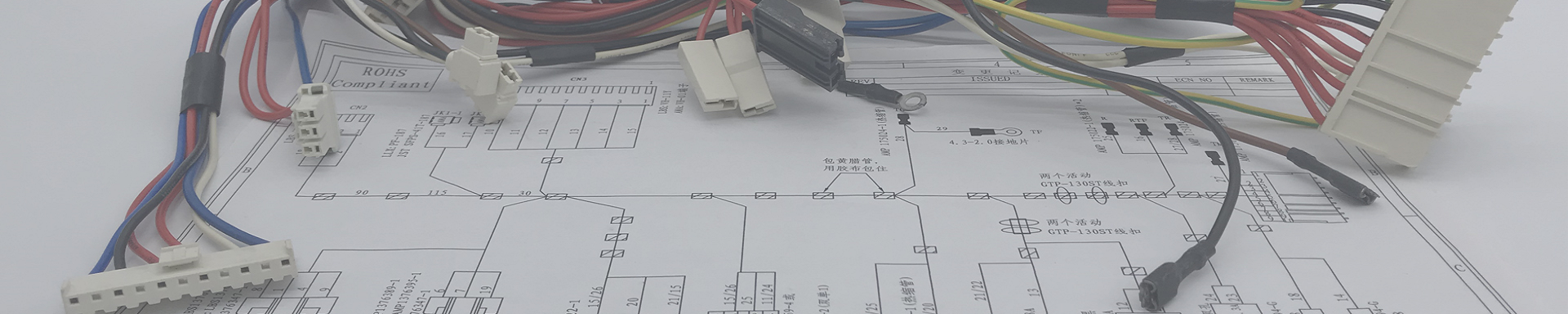
What is a Cable Assembly?
2025-12-11 10:47Cable Assembly (or cable harness, wiring loom) is a self-contained, integrated unit that combines multiple electrical cables, wires, or optical fibers into a single, organized bundle for a specific application.
It's more than just a bundle of wires; it's a complete, ready-to-install solution.
Key Components & Features:
Cables/Wires: The individual conductors that carry power or data.
Connectors: Pre-attached plugs, sockets, or terminals on one or both ends (e.g., USB, D-Sub, circular connectors, fiber optic termini).
Protective Outer Jacket: A sleeve (often made of materials like PVC, polyurethane, or braided textile) that binds and protects the internal wires from:
Abrasion, cuts, and crushing
Moisture, oils, and chemicals
Extreme temperatures
Electromagnetic Interference (EMI) / Radio Frequency Interference (RFI) - often via shielding (foil or braid)
Strain Relief: A reinforced section where the cable meets the connector to prevent bending and pulling from breaking the internal connections.
Optional Components: Labels, markers, pull tabs, over-molded sections, etc.
Purpose & Why They Are Used:
The primary goal is to provide a reliable, safe, and efficient connection between two or more points in a system. Advantages include:
Organization: Reduces clutter and simplifies complex wiring.
Reliability: Factory-assembled and tested for consistent performance, reducing on-site errors.
Safety: Protects wires from damage and prevents short circuits. Proper shielding minimizes signal interference.
Durability: Built to withstand the specific environmental challenges of its end-use (e.g., industrial, automotive, aerospace).
Ease of Installation: Significantly faster to install than individual wires, saving time and labor costs.
Serviceability: Easy to disconnect, replace, or upgrade an entire assembly.
Common Applications:
Computers & IT: Internal SATA/power cables, external monitor (DisplayPort/HDMI) cables, network patch cables.
Industrial Machinery: Connecting sensors, actuators, and controls on factory floors.
Automotive & Aerospace: Engine control units, infotainment systems, avionics (these require extremely high durability and safety standards).
Medical Equipment: Patient monitors, imaging systems (MRI, ultrasound).
Telecommunications: Fiber optic trunk cables, base station connections.
Consumer Electronics: Power adapters, printer cables, charging cables for devices.
Cable Assembly vs. Wire Harness:
These terms are often used interchangeably, but there's a key distinction:
| Feature | Cable Assembly | Wire Harness |
|---|---|---|
| Protection | Has a robust outer jacket (e.g., rubber, vinyl) for external use in harsh environments. | Typically uses less protection (sleeving, tape, conduit) for internal use in protected enclosures (like inside a car or appliance). |
| Environment | Designed for exposure to moisture, chemicals, temperature, abrasion, and EMI. | Designed for a controlled, protected environment. |
| Complexity | Often includes shielding, multiple connector types, and over-molding. | Focuses on organizing and routing many individual wires to different points. |
| Visual | Looks like a single, finished "cord" or "cable." | Looks like a branched "skeleton" of taped or sleeved wires. |
Simple Analogy: A Wire Harness is like the nervous system inside your body (protected, branching). A Cable Assembly is like the spinal cord or a major peripheral nerve that needs its own tough protective sheath to travel to a limb.
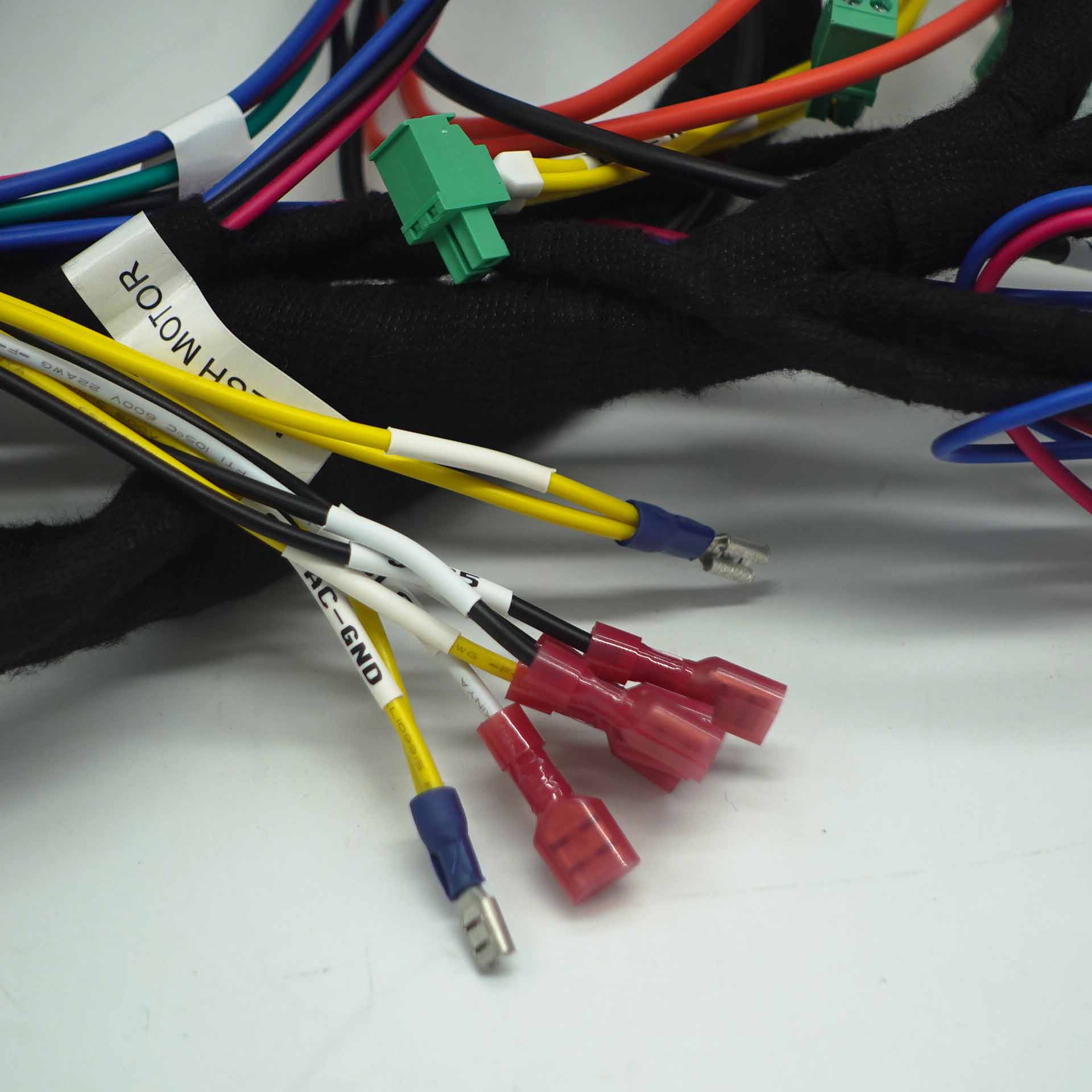
2:How is a Wire Cable Assembly Different from a Wire Harness?
Here’s a detailed breakdown of their key differences:
Core Concept: Protection vs. Organization
Wire Harness: Primarily an organizing and routing device. Its main job is to bundle individual wires together to save space, improve safety, and simplify installation inside a protected enclosure (like a car's dashboard or a computer case).
Cable Assembly: Primarily a protective and functional device. Its main job is to guard the conductors inside against specific environmental hazards (like abrasion, moisture, EMI) so they can safely travel between enclosures or through harsh environments.
Detailed Comparison
| Feature | Wire Harness | Cable Assembly |
|---|---|---|
| Primary Function | Organize & Route multiple discrete wires to various points within a system. | Protect & Connect a group of conductors as a single, robust link between two points. |
| Level of Protection | Low to Moderate. Uses lightweight sleeves (conduit, split loom), tape, or clamps. Not meant for harsh external exposure. | High. Features a durable, continuous outer jacket (PVC, rubber, PUR) and often includes shielding, over-molding, and custom strain relief. |
| Typical Environment | Controlled, Protected. Inside devices, vehicles, or machinery cabinets where it's safe from weather, chemicals, and excessive abrasion. | Harsh, Exposed. Between machines on a factory floor, in automotive engine bays, outdoors, in medical or military field equipment. |
| Construction | Open, Branched. Wires are bundled but often split off (branched) like a tree to reach multiple terminals or connectors. You can often see individual wires. | Closed, Linear. Wires are fused into a single, inseparable cable "assembly." Typically has connectors on one or both ends and looks like one finished product. |
| Flexibility & Repairs | More flexible for modifications. Individual wires within the bundle can often be traced, disconnected, and repaired separately. | Less flexible. Designed as a sealed unit. If damaged, the entire assembly is usually replaced, not repaired. |
| Cost & Manufacturing | Generally lower cost. Often assembled semi-automatically or by hand on a harness board. | Generally higher cost. Requires more specialized materials (jackets, shielding) and processes (molding, crimping, potting). |
| Common Examples | • Wiring behind your car's dashboard. • The bundle of wires inside a desktop computer. • Appliance control panels. | • A USB-C charging cable. • An industrial Ethernet cable connecting a robot to a controller. • An aircraft's engine sensor cable (exposed to extreme temps/vibration). • An underwater remotely operated vehicle (ROV) tether. |
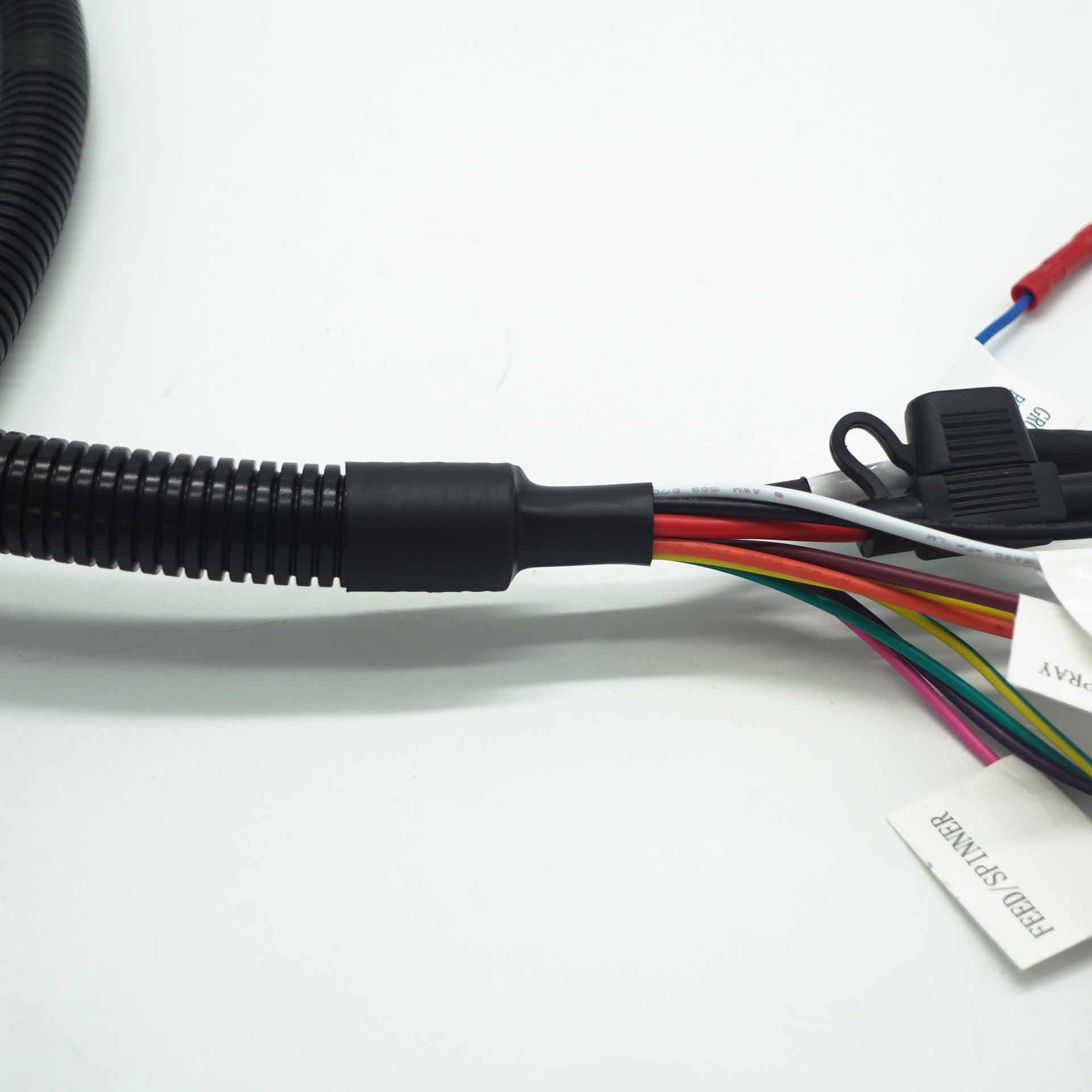
Visual Analogy
Wire Harness: Think of the vascular system or nervous system inside your body—a branched network of pathways protected within the body's structure.
Cable Assembly: Think of your spinal cord (encased in the vertebral column) or an umbilical cord—a critical, self-contained, heavily protected lifeline connecting two major systems.
Rule of Thumb for Selection:
Use a Wire Harness when you need to efficiently connect many points within a box or enclosed system. It's about internal organization.
Use a Cable Assembly when you need a reliable, durable connection that must survive outside a protected box. It's about external durability and signal integrity.
Hybrid Solutions:
In complex systems, you often find both. For example, a car has a wire harness running through its cabin, but that harness connects to cable assemblies that exit the firewall to reach the engine bay's sensors and lights, which are exposed to heat, oil, and vibration.
3:How to customize a wiring harness that suits your needs?
Customizing a wire harness is a systematic process that moves from defining your specific requirements to selecting components and choosing a manufacturing method. A well-planned harness improves reliability, safety, and ease of maintenance.
Here is a structured approach, broken down into key phases and considerations.
✅Phase 1: Define Your Specifications
Start by clearly outlining the harness's purpose. This involves gathering technical, mechanical, and environmental requirements. A structured specification document is essential for communicating with manufacturers and ensuring a successful design.
✅Phase 2: Design & Component Selection
With specifications set, you can select the specific parts that make up the harness.
Wires: Choose the gauge (AWG) based on current load, and insulation material (e.g., PVC, cross-linked polyethylene) based on temperature and environmental needs.
Connectors: Select for current rating, pin count, locking mechanism, and environmental sealing. Using a connector configurator can streamline this process.
Terminals & Contacts: Choose the right crimp or solder terminals for your wires and connectors.
Protection & Routing: Select sleeving, conduit, or tape for bundling. Plan clamps, grommets, and strain reliefs to secure the harness and protect it from sharp edges.
Use CAD Software: Professional design uses software like EPLAN Harness proD or CATIA's Electrical Harness Design module. These tools create 3D models to optimize routing, calculate precise lengths, check for interferences, and generate manufacturing drawings ("nailboards") and parts lists (BOM).
✅Phase 3: Production & Manufacturing
Once designed, you need to choose a fabrication method. This is evolving from manual processes toward greater automation.
✅ Phase 4: Verification & Testing
A customized harness must be validated before use. Key tests include:
Continuity & Hi-Pot Testing: Checks for correct connections and verifies insulation can withstand higher voltages without breakdown.
Physical Fit Check: Ensures the harness fits perfectly in its intended location without stress or interference.
Environmental Testing: Validates performance under specified temperature, humidity, and vibration conditions.
Documentation Review: Ensure the delivered harness matches all schematics, nailboard drawings, and the BOM.
✅Getting Started & Finding Help
For most projects, especially one-off or low-volume, the most practical path is to collaborate with a specialized manufacturer or assembly house. You provide the detailed specifications and design files, and they handle sourcing, assembly, and testing. Many offer OEM/ODM services and can produce samples based on your drawings or requirements.
To dive deeper into a specific area, such as selecting the right connector series for high-vibration environments or understanding the nuances of CAN bus wiring within a harness, feel free to ask.